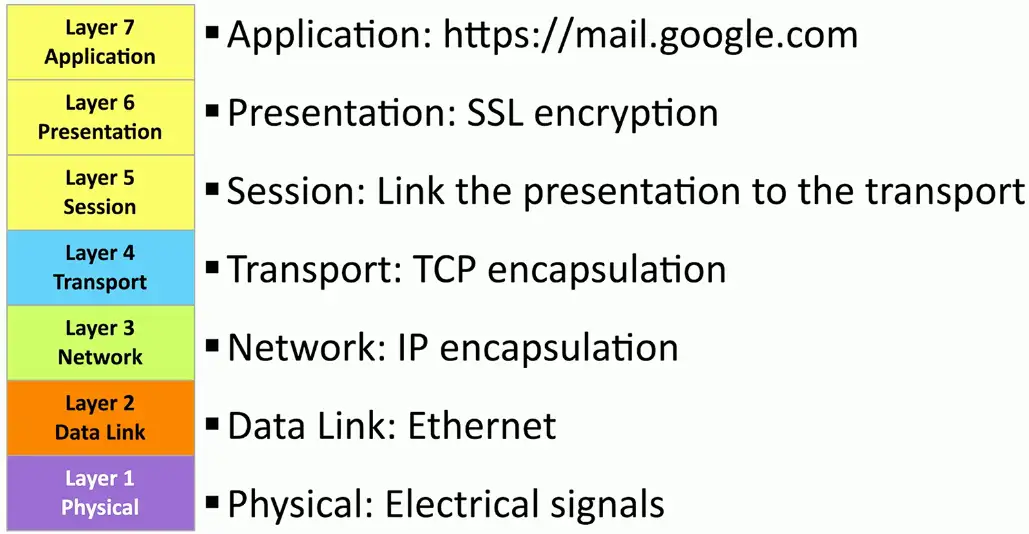
The OSI Model
Understanding the OSI Model
What is the OSI model?
- Open Systems Interconnection Reference Model
It’s a guide (thus the term “model”)
- Don’t get wrapped up in the details
This is not the OSI protocol suite
- Most of the OSI protocols didn’t catch on
↻ There are unique protocols at every layer
You’ll refer to this model for the rest of your career
- Often
↻ [A]ll [P]eople [S]eem [T]o [N]eed [D]ata [P]rocessing
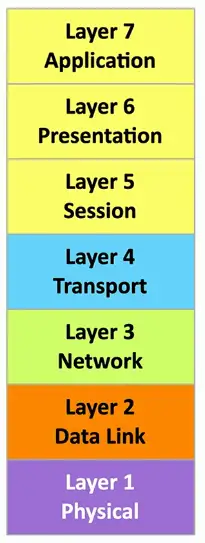
Layer 1 — Physical Layer
The physics of the network
- Signaling, cabling, connectors
- This layer isn’t about protocols
“You have a physical layer problem.”
- Fix your cabling, punch-downs, etc.
- Fun loopback tests, test/replace cables, swap adapter cards
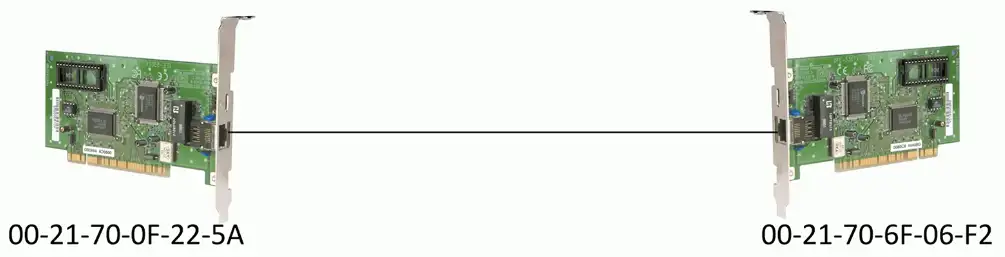
Layer 2 — Data Link Layer
The basic network “language”
- The foundation of communication at the data link layer
Data Link Control (DLC) protocols
- MAC (Media Access Control) address on Ethernet
The “switching” layer
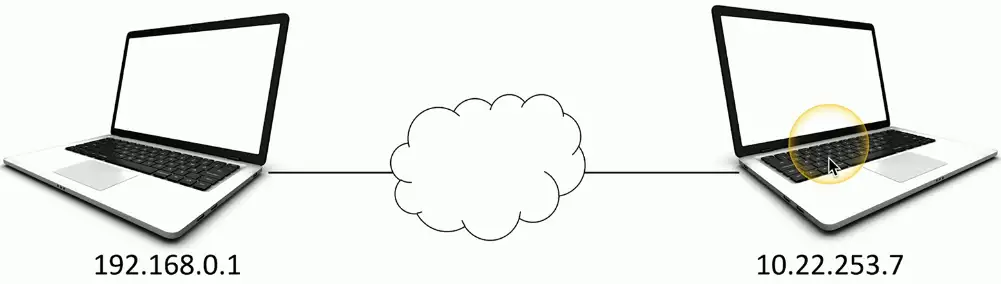
Layer 3 — Network Layer
The “routing” layer
Internet Protocol (IP)
Fragments frames to traverse different networks
Layer 4 — Transport Layer
The “post office” layer
- Parcels and letters
TCP (Transmission Control Protocol) and UDP (User Datagram Protocol)
Layer 5 — Session Layer
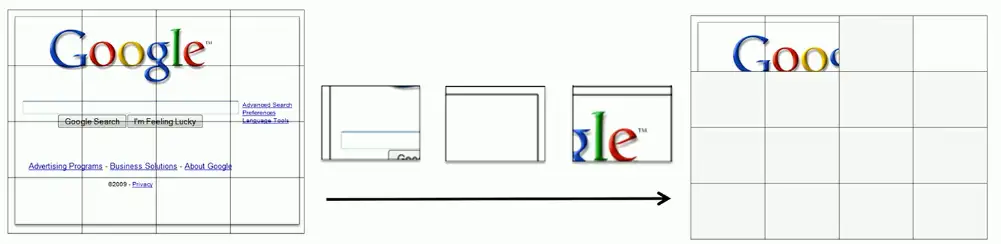
Communication management between devices
- Start, stop, restart
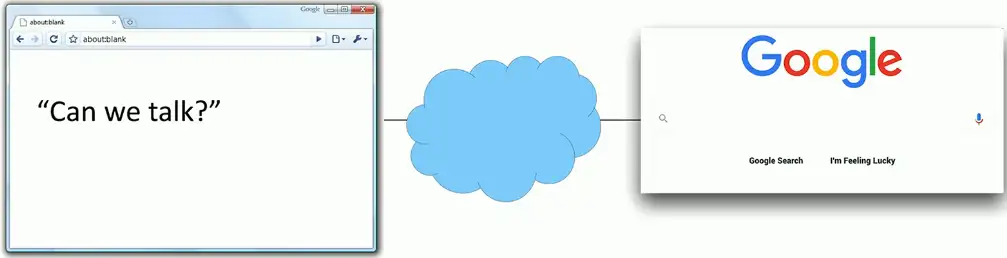
Control protocols, tunneling protocols
Layer 6 — Presentation Layer
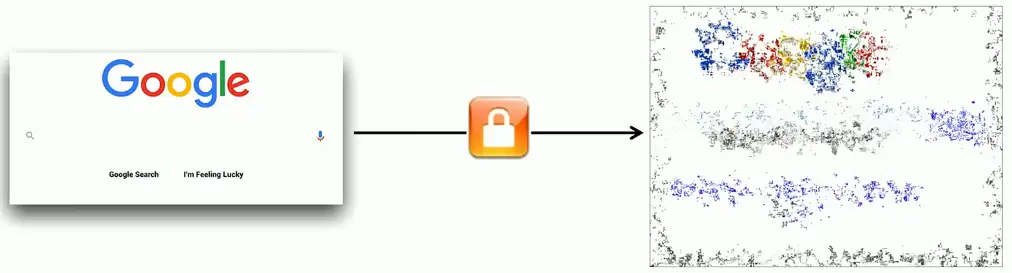
- Character encoding
- Application encryption
- Often combined with the Application Layer
Layer 7 — Application Layer
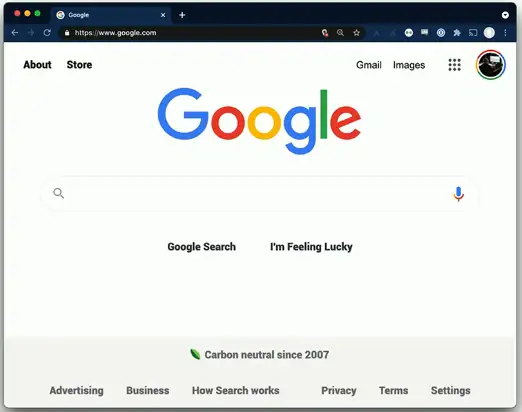
- The layer we see
- HTTP, FTP, DNS, POP3
Real-World to OSI Model
| Layer 7: Application | Your eyes |
|---|---|
| Layer 6: Presentation | Application encryption (SSL/TLS) |
| Layer 5: Session | Control protocols, tunneling protocols |
| Layer 4: Transport | TCP segments (connection-oriented, reliable), UDP datagram(connectionless, unreliable) |
| Layer 3: Network | IP address, Router, Packet |
| Layer 2: Data Link | Frame, MAC address, Extended Unique Identifier (EUI-48, EUI-64), Switch |
| Layer 1: Physical | Bits, Cables, fiber, and the signal itself |
OSI in the real world:
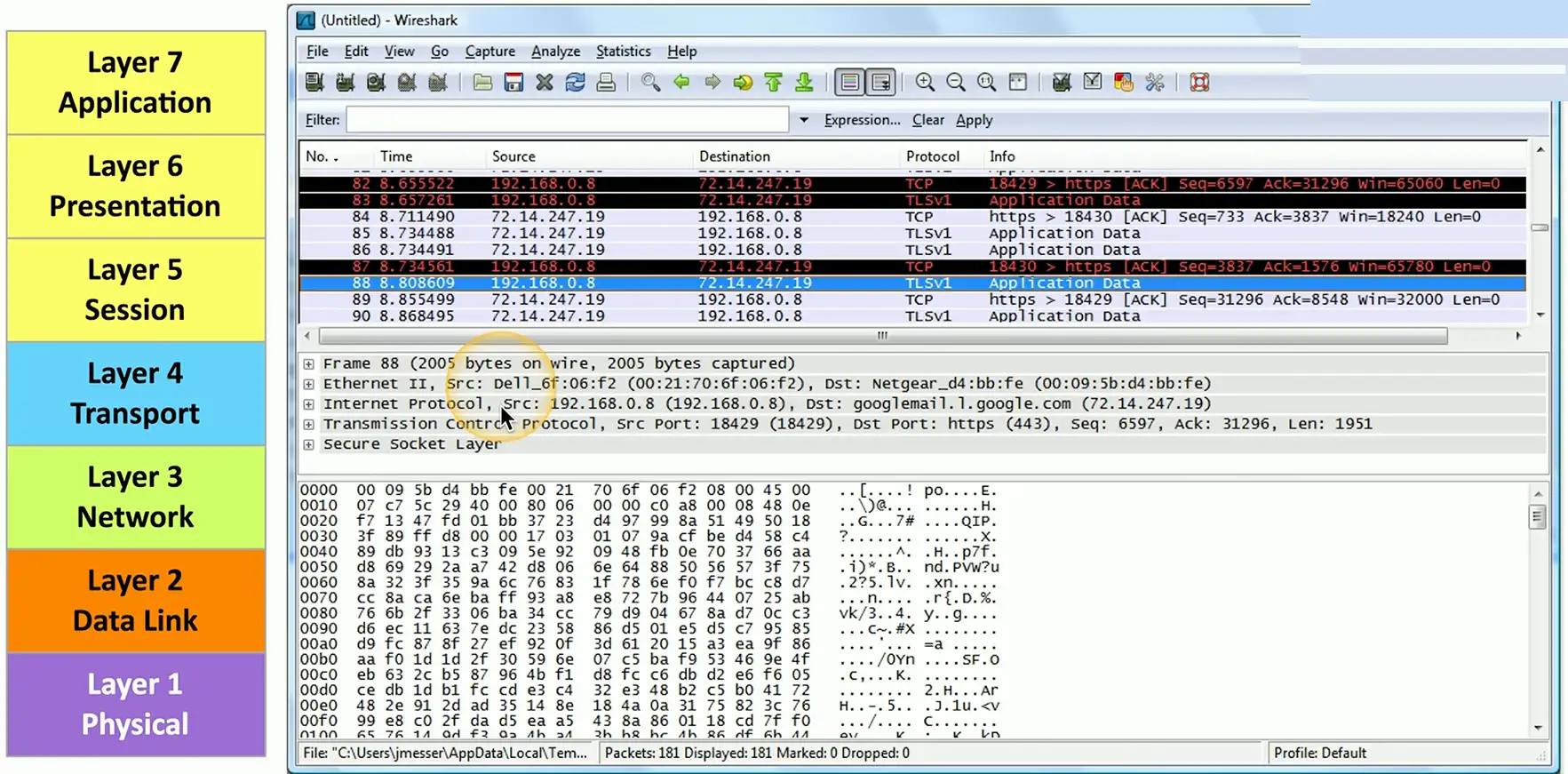
Follow the conversation: